How it works
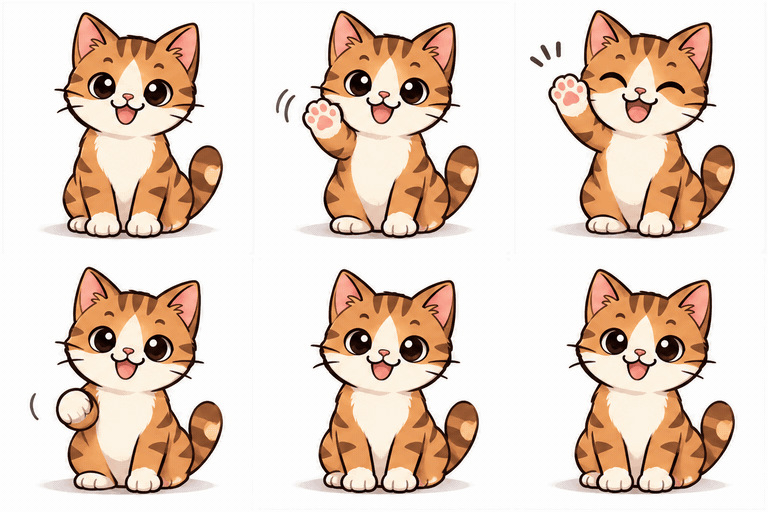
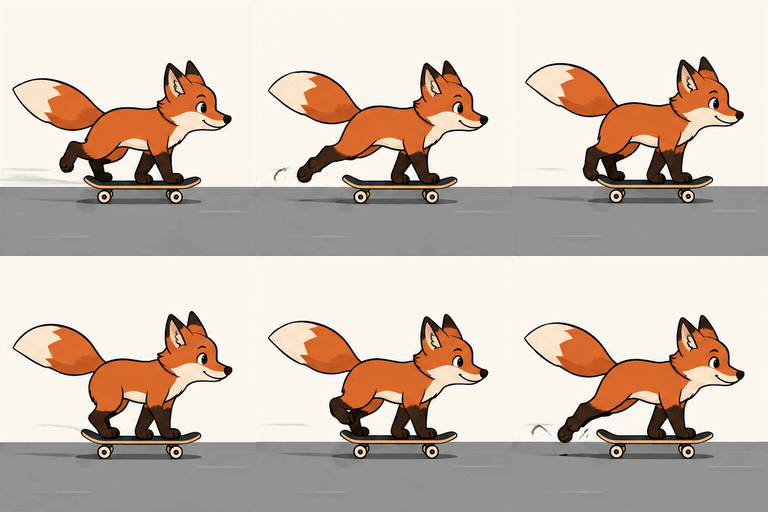
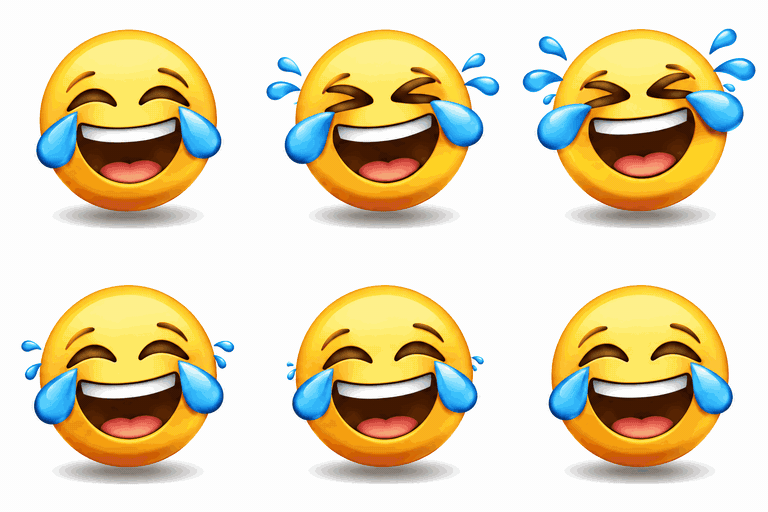
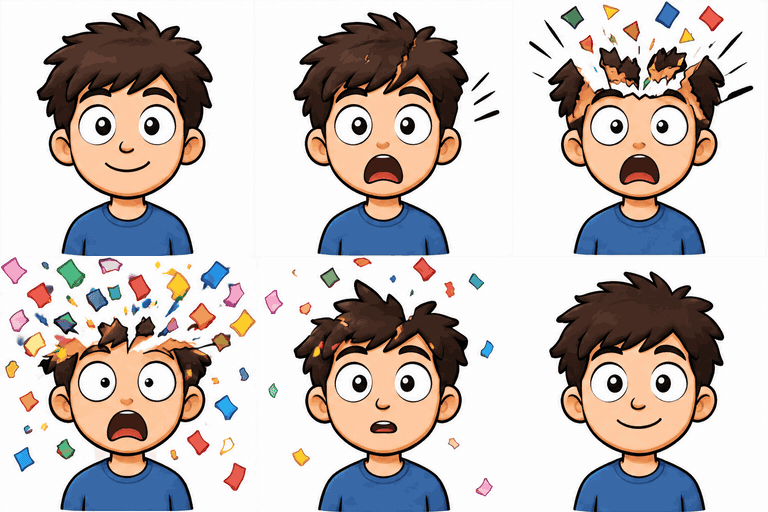
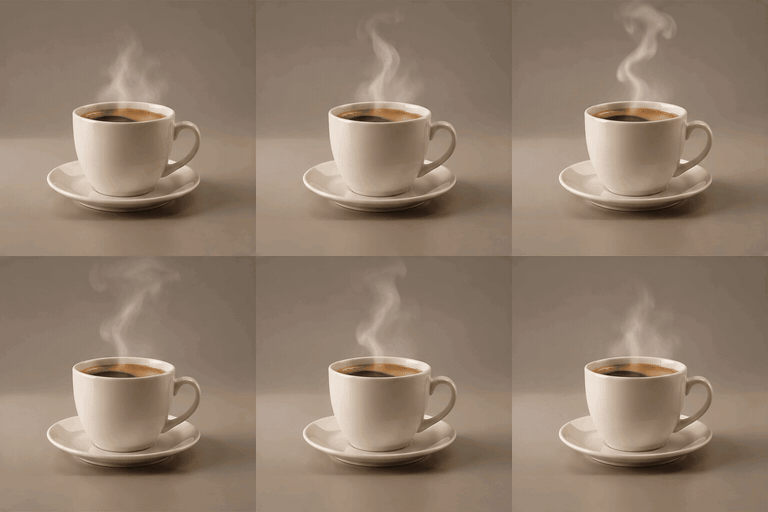
- Describe the GIF: who or what is in it, what it does, and a style if you want one (cartoon, pixel art, neon).
- Press Generate. The AI draws every frame of the animation in one go.
- Download the GIF, or take it into the free tools to resize it, caption it or make it an emoji.
What you get
Each GIF has 8, 12 or 16 frames at 100 ms each, a
0.8 to 1.6 second loop, from 112 to 768 pixels square.
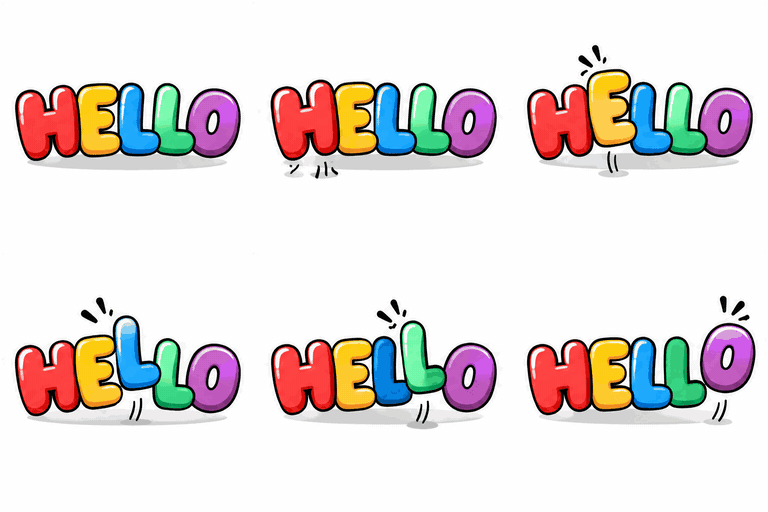
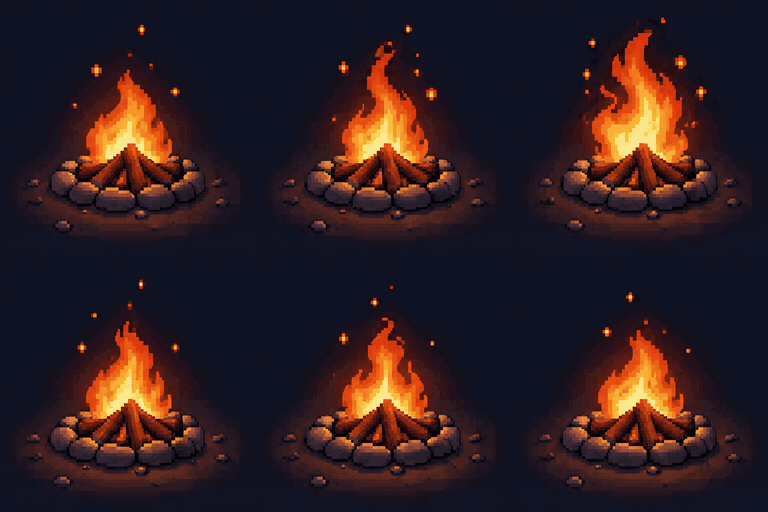
Pick both under Options: more frames and bigger sizes cost more, from 5 to 20 credits. Short, looping subjects work best: a character waving or laughing, a reaction, a flickering fire,
letters that bounce.
Using your own picture
Signed in, you can add one picture for the GIF to look like: paste it into the prompt box, drop it on the box, or
press Add image. Then describe what it should do: "this dog wagging its tail", "this logo spinning". Your picture is
shrunk in your browser first, which also removes its location data, then used for that GIF only and deleted within
a day. A GIF with a picture costs a few credits more, and the free GIF is for prompts without one.
Who can see your GIFs
Your GIFs are private: only you see them, on the Your GIFs page. Each one has a link you can copy and share, and
anyone with that link can see that GIF. Each GIF is deleted 90 days after it was made, and its link
stops working then.
Writing a good prompt
- Name one subject and one motion: "a penguin shrugging" beats a whole scene.
- Add a style: cartoon, pixel art, neon sign, clay, watercolour.
- Put any words you want shown in capitals, and keep them short: SALE, HELLO, GG.
- Ask for a "seamless loop" when the GIF should repeat without a jump.